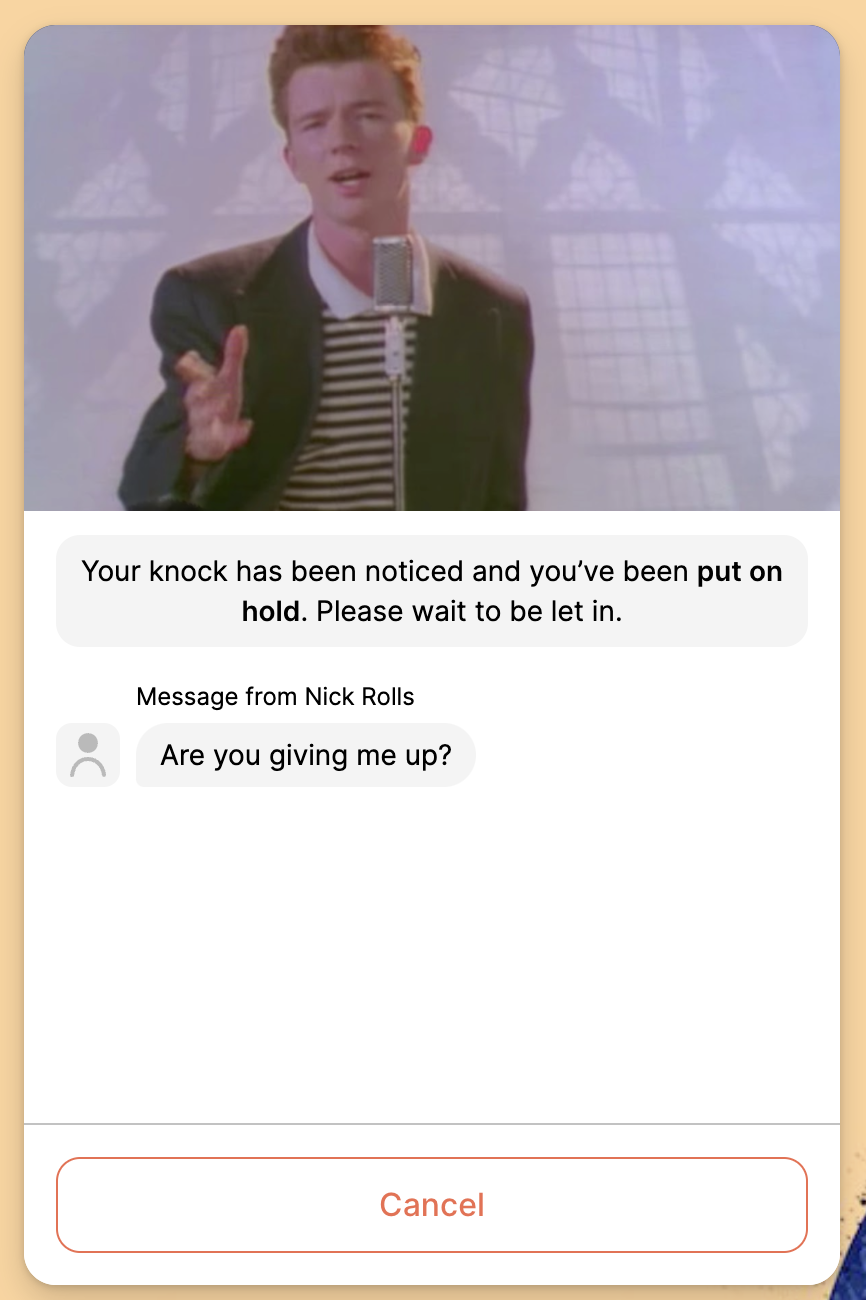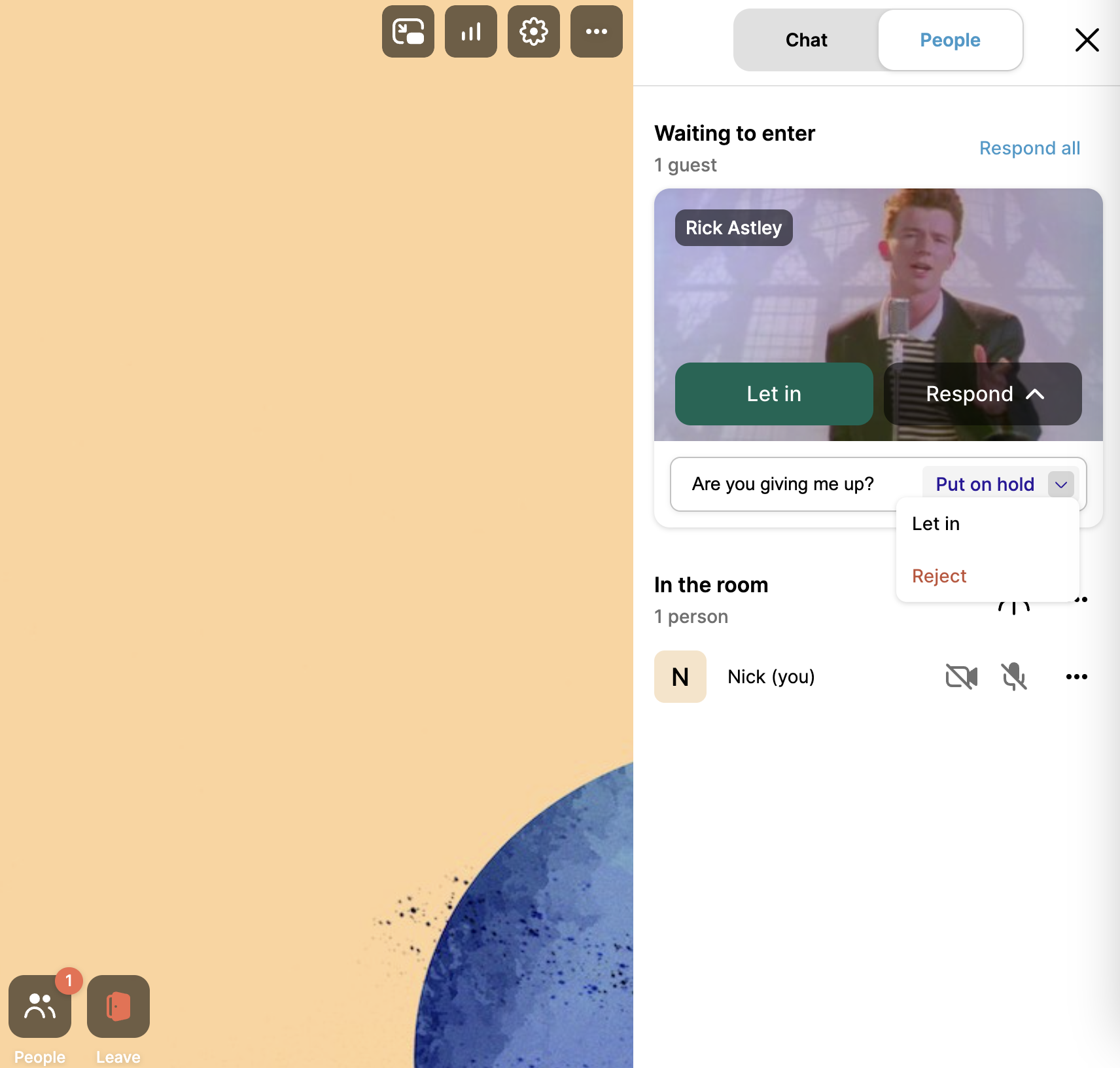
Host controls seen in the "People" tab
// Example Request
{
  "isLocked": true,
  "roomNamePrefix": "waiting-room-example-",
  "roomNamePattern": "uuid",
  "roomMode": "group",
  "endDate": "2024-07-05T18:10:34.695Z",
  "fields": [
    "hostRoomUrl"
  ]
}
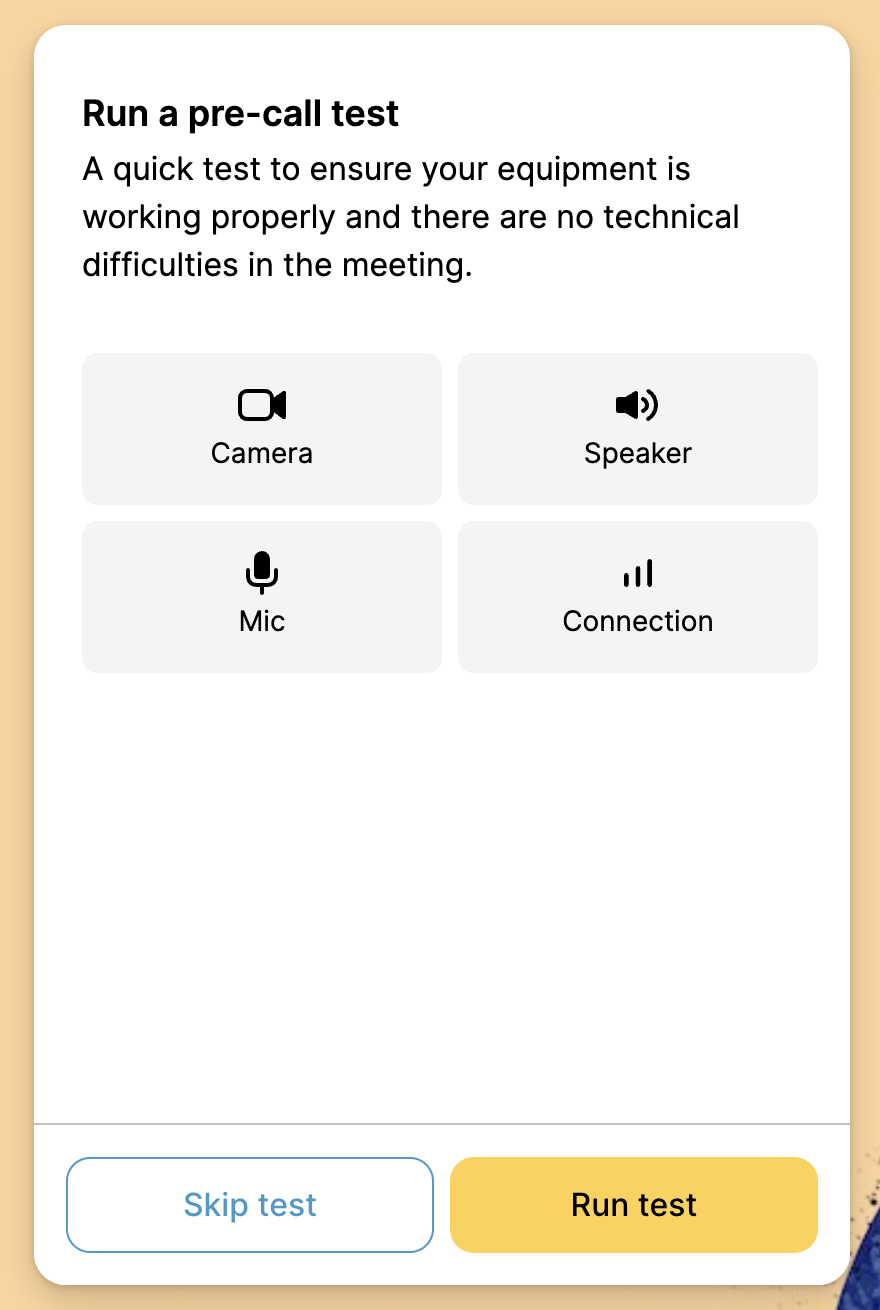 2. Add a unique background image for the waiting room precall flow with our [API endpoint](/reference/whereby-rest-api-reference/rooms.md#put-rooms-roomname-theme-room-knock-page-background)
## Additional Information
### End User Experience
When a participant knocks at a locked room, hosts receive a notification in the room. They can they choose to "Put on hold" and include a message, "Let in", or "Reject":
2. Add a unique background image for the waiting room precall flow with our [API endpoint](/reference/whereby-rest-api-reference/rooms.md#put-rooms-roomname-theme-room-knock-page-background)
## Additional Information
### End User Experience
When a participant knocks at a locked room, hosts receive a notification in the room. They can they choose to "Put on hold" and include a message, "Let in", or "Reject":
Host controls seen in the "People" tab